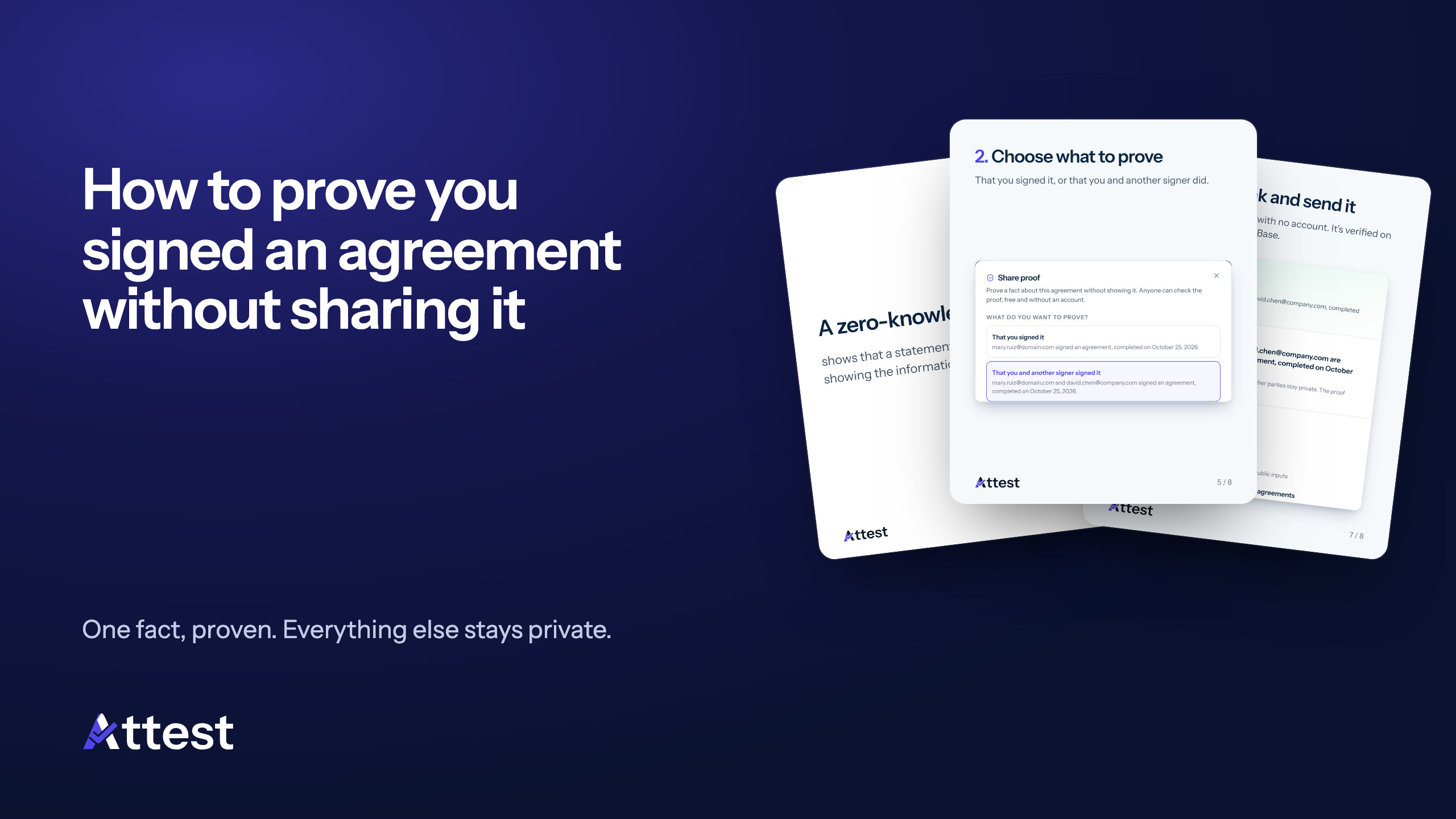
Our how-to week ends with the most distinctive capability in Attest: proving that you signed an agreement without showing the agreement.
One fact, not the whole document
A landlord, a bank or an auditor often needs one fact: that an agreement exists and was signed. The salary or the price can stay private. A zero-knowledge proof shows that a statement is true without showing the information behind it.
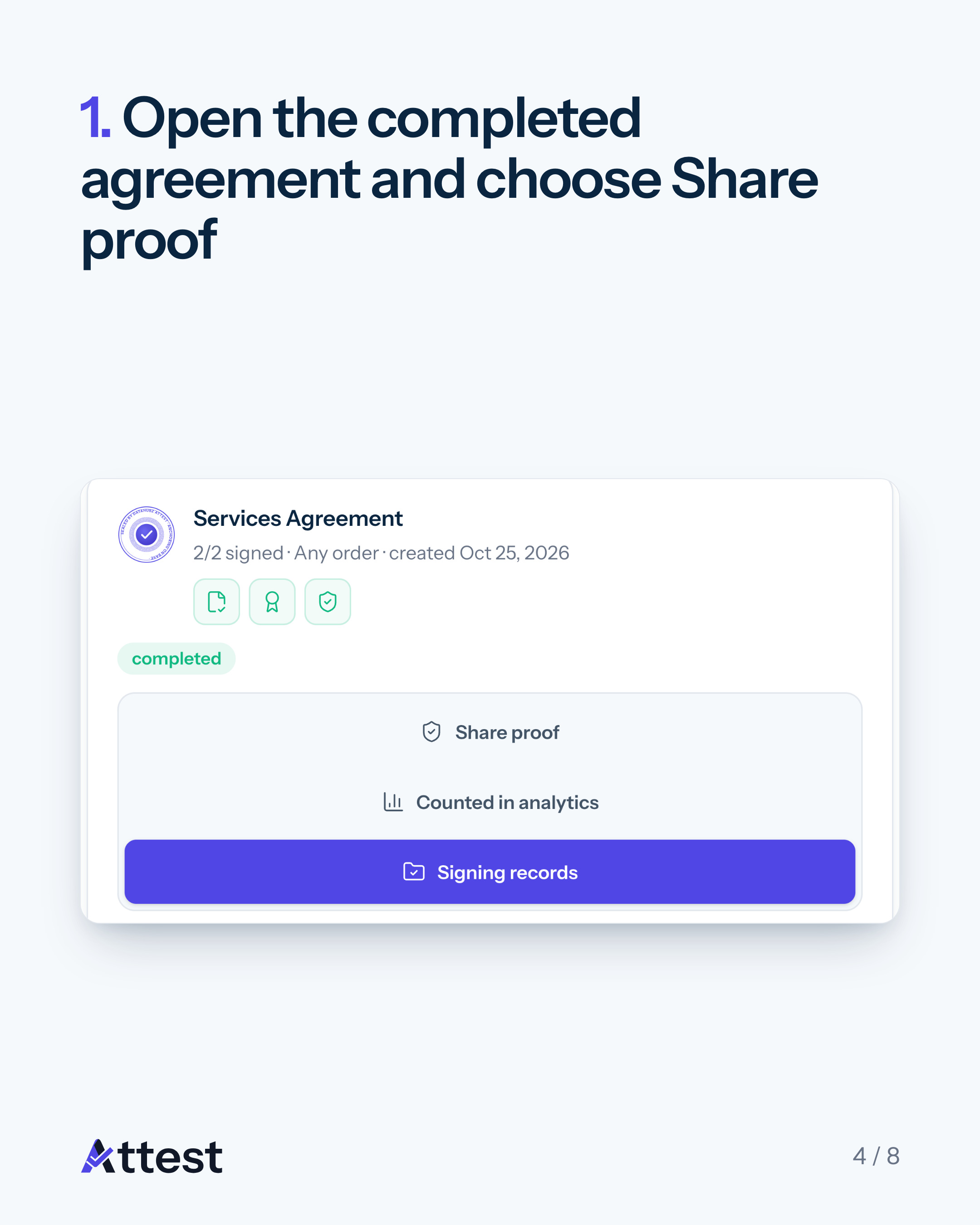
1. Open the completed agreement and choose Share proof
Sign in, open the agreement under the Completed tab and click Share proof.
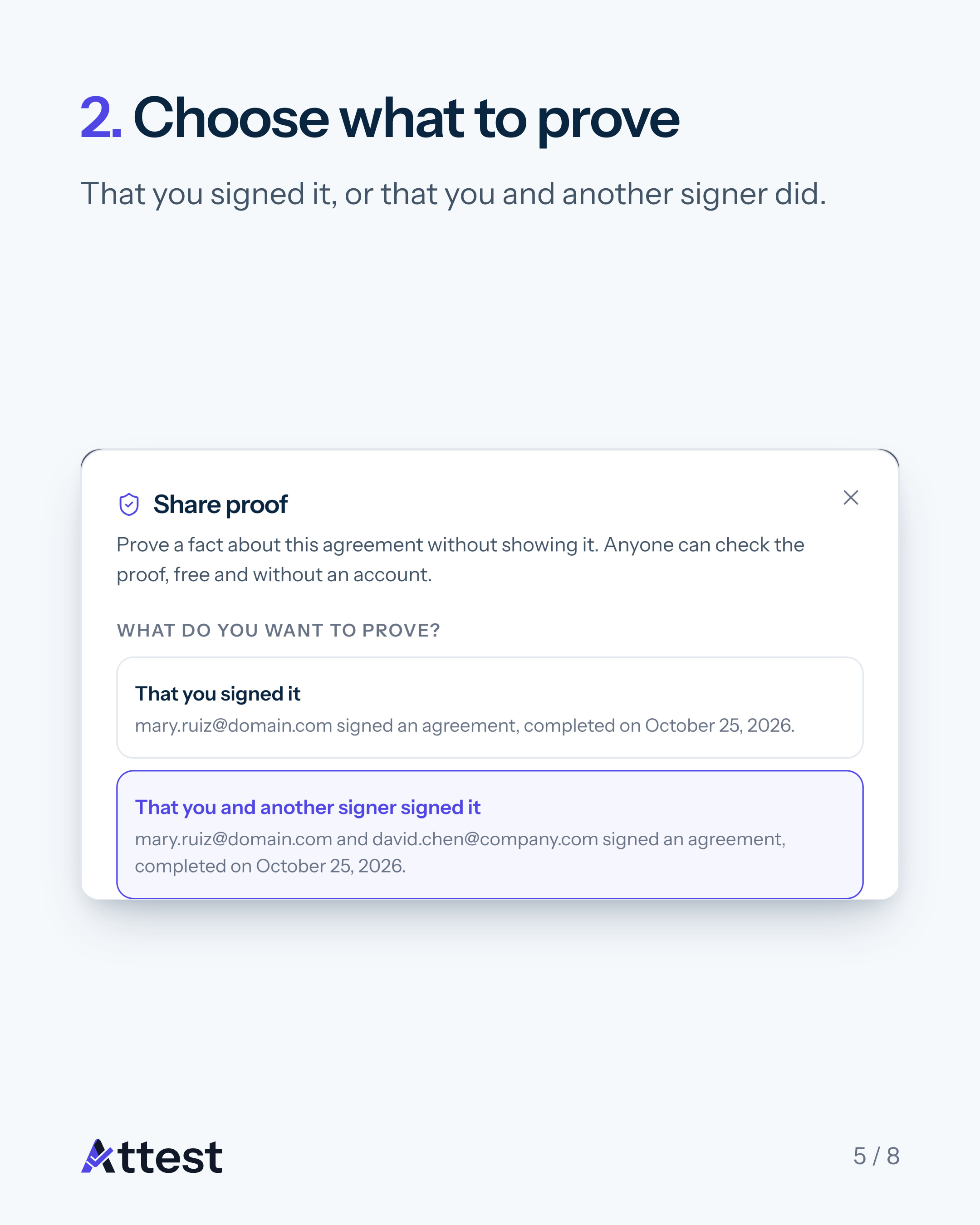
2. Choose what to prove
Prove that you signed it, or that you and another signer signed it. Each option previews the exact statement before you create anything.
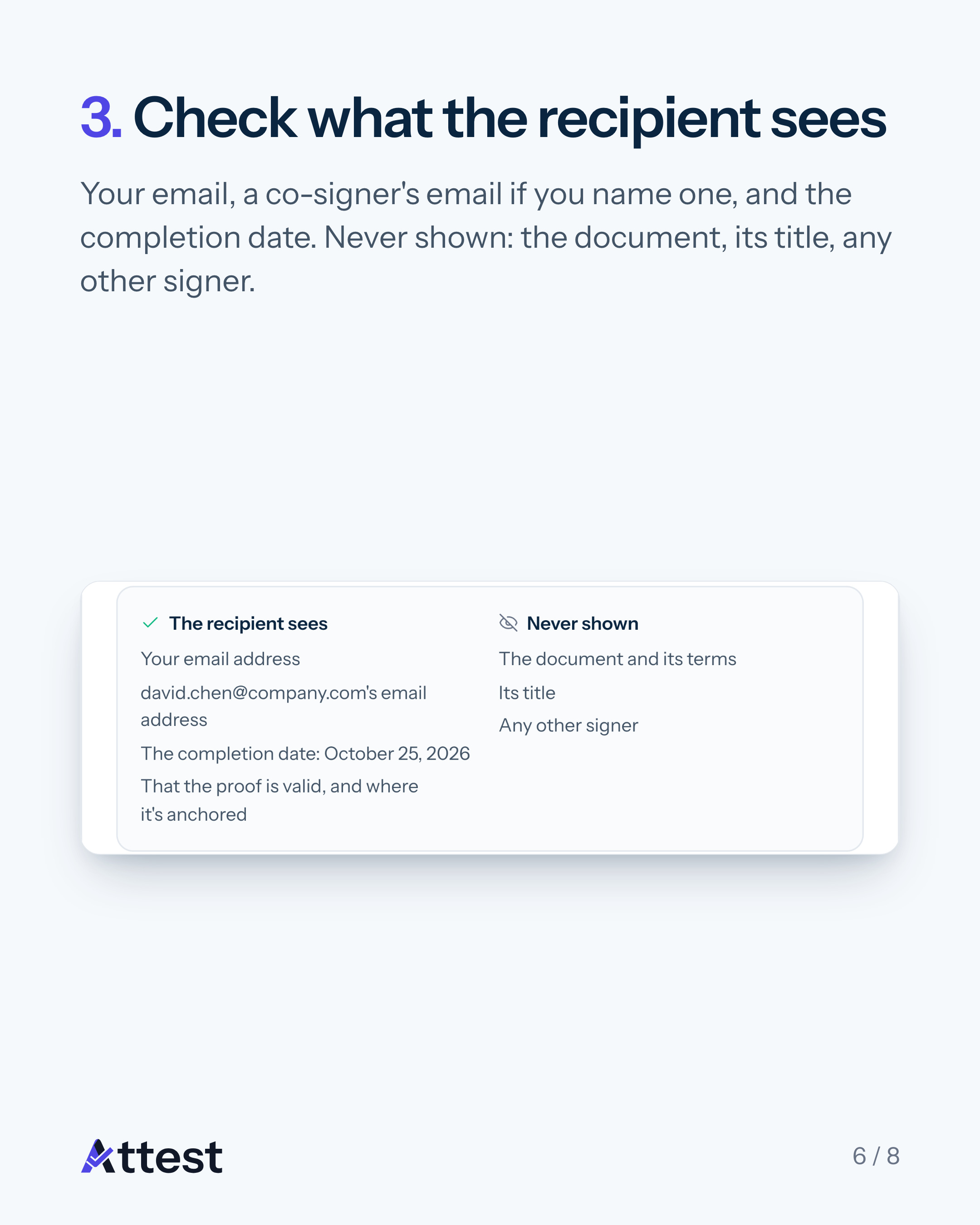
3. Check what the recipient sees
The recipient sees your email address, a co-signer's email address if you name one, the completion date, and that the proof is valid and where it is anchored. The document, its title and any other signer are never shown.
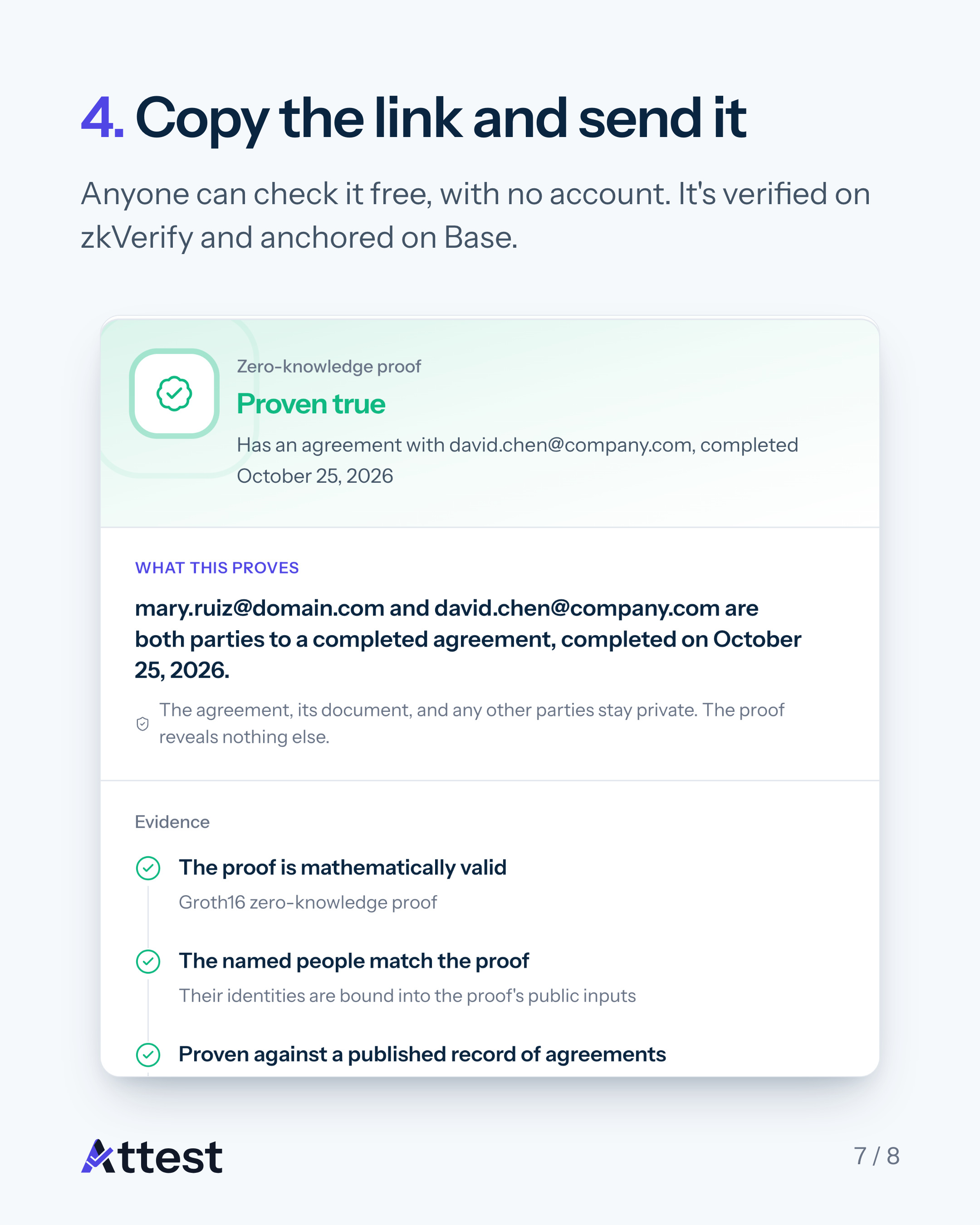
4. Copy the link and send it
Anyone can check the proof free, with no account. The page re-checks it, shows that it is anchored on Base, and links to its independent verification on zkVerify.
On every plan
Share proof is on every plan, Free included, and every signer of a completed agreement also gets a proof made for them automatically. The full guide to sharing proof covers each step.
Sign your first document. Your first 2 documents are free.
Attest is part of the Horizen ecosystem on Base, and its zero-knowledge proofs are verified on zkVerify.