Day four of our document signing series is about the signed copy itself. Today's video shows what happens when someone changes a single word in a signed agreement.
The weak point of a signed PDF
Once an agreement is signed, it travels as a file. It is emailed, downloaded, printed and archived. Each copy is only as trustworthy as your ability to show that it is the document the parties actually signed.
With most tools, checking that means going back to the vendor. The file on its own proves little.
The stamp and the QR code
On Attest, every signature and every set of initials carries a Signed with Attest stamp. The stamp shows the agreement's verification code, the signing date and a QR code. Scanning the code opens the agreement's live certificate, which re-checks the agreement every time it loads.
Anyone holding a printed or forwarded copy can go from the page in their hands to the evidence behind it in one scan.
A copy that proves its own pages
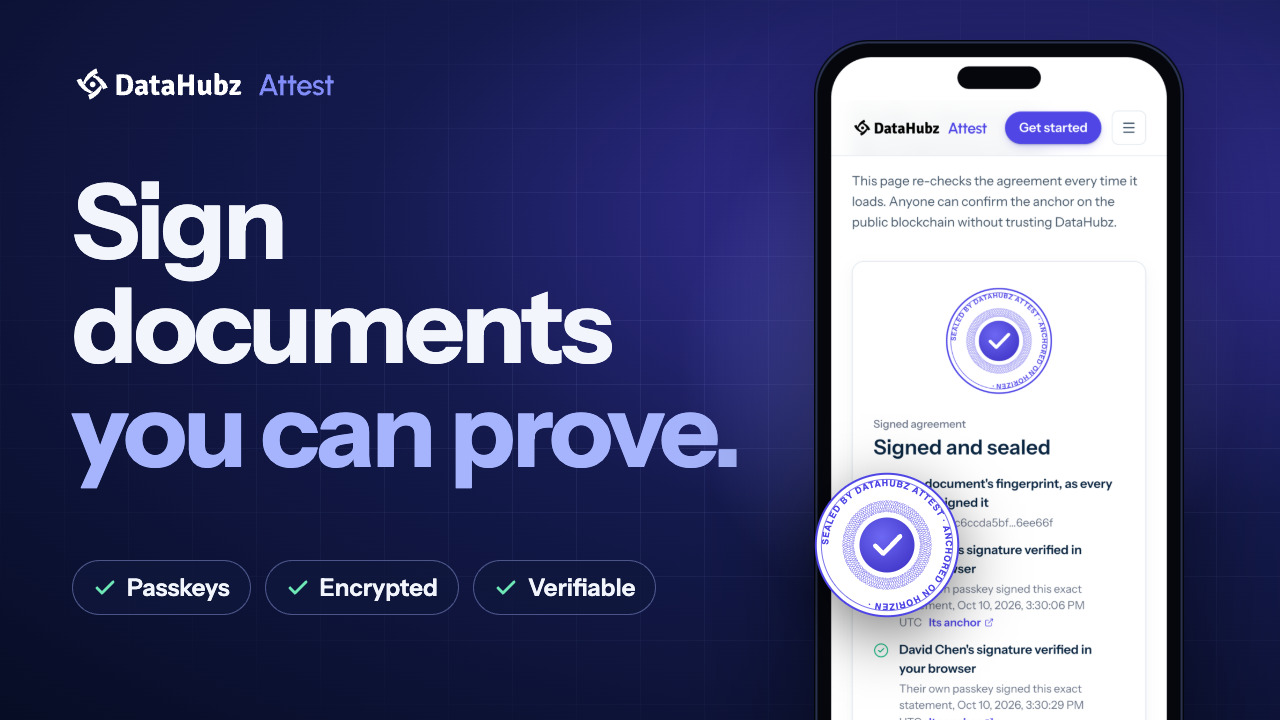
Each signed copy carries the original document, the complete evidence and an open-source verifier that runs in any browser. The fingerprint of the signed pages is anchored on Horizen.
When the verifier runs, it recomputes the fingerprint of the pages you are looking at and compares it with the anchored one. If they match, the pages are exactly what was signed. If a single word was changed, the fingerprints differ and verification fails, with a clear message that the pages were altered.
The verifier does not need Attest to be online. It is open source, published on GitHub, so anyone can read how the check works or run it themselves.
Why it matters
Disputes over agreements are often disputes over versions: which copy is the real one. A signed copy that proves its own pages ends that argument. The answer comes from mathematics, not from whoever holds the file.
Try it
Sign a document, download the signed copy and open its verifier. Every account can send two documents for free, with no credit card.